I wanted to take a moment to share my thoughts as this marks my first post of the year; I sincerely hope you are all doing well.
Since 3D Basecamp, I’ve been busy working on various projects, but I’m particularly excited to present a new set of Hollow Metal Doors that I’ve created and uploaded to the SketchUp Warehouse. This collection features 15 of the most common HM doors crafted from manufacturer specifications, allowing you to apply your desired finishes.
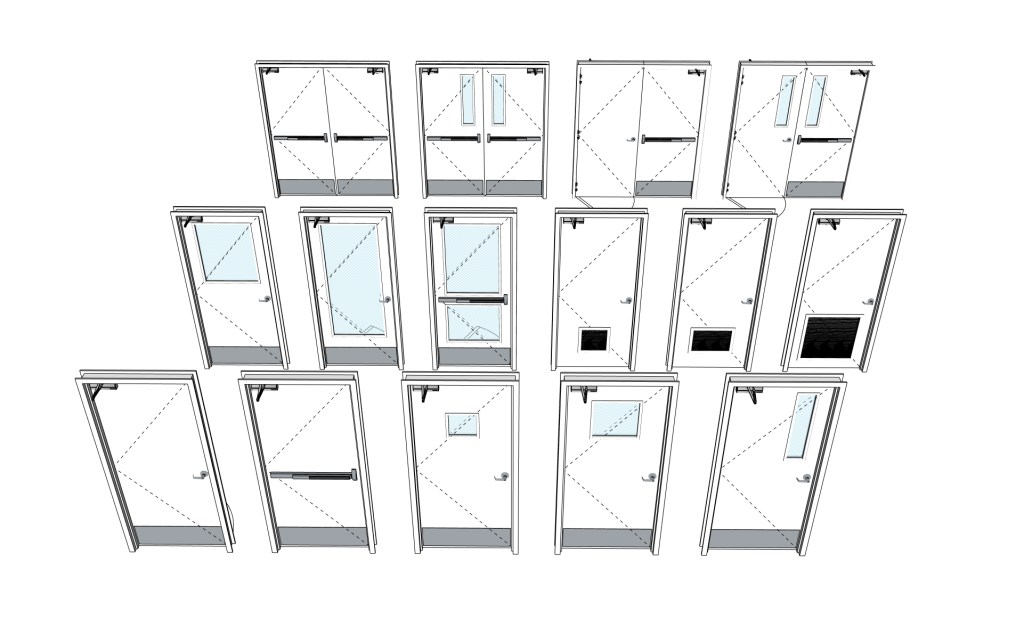
I’m also in the process of developing a Dynamic version of these doors which will be available once completed; this version can be adapted to function as either Hollow Metal or Solid Wood doors. Here are some of the details I’m incorporating:
Open Component Options to choose:
- Door Sizes from 2068 to 4080
- Wall Thickness
- Hardware Type: Ball, Level, Push/Pull, and Panic
- Hardware Colour – Hinges, Lever & Ball Sets Only
- Kickplate Height & Visibility
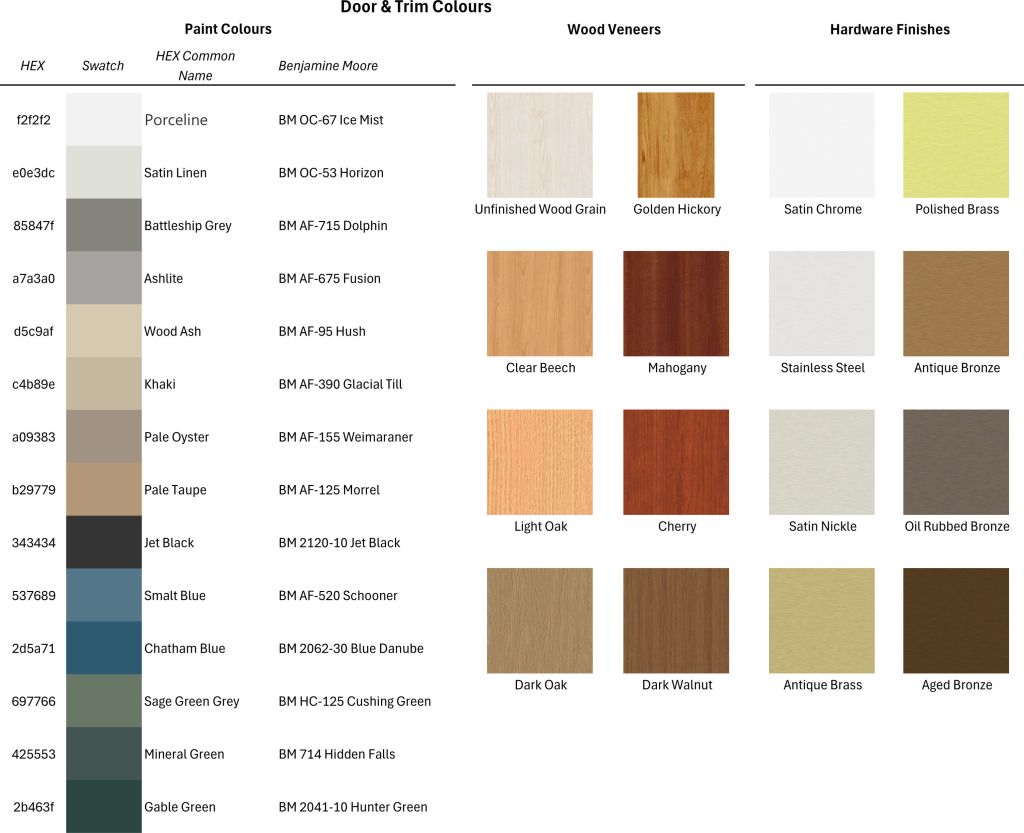
- Standard Material Colours, ie. Paint or Wood
- Custom Colours: Enter a HEX# or a Material from your Pallet and choose “Custom” from the Drop-down list.
I’m hoping you will also be able to interact with the component by clicking on the Directional Arrows to change the door swing, similar to Revit; options include Left Hand, Right Hand, Left Hand Reversed, and Right Hand Reversed. This has presented a unique challenge as there’s no equivalent to “Flip” or “Mirror” in the Component Attribute Functions, requiring a scale adjustment that inverts the model; which doesn’t work well with other nested components. Using the default Flip tool in SketchUp doesn’t keep the Component in the same “Wall Space” and shows text backwards… Still a Work in Progress 😉
Once the Dynamic Components are fully developed and tested, I will release them on my LearnSketchUp.ca platform.
Stay tuned for more updates!
 DNA645 Design Ltd.